InvoiceBilling app
Free on iPhone and Android

Get

Receipt generator

Confirm a payment in a minute. Fill in the details, check the live preview, and download a PDF receipt for your customer.

No signupLive previewPDF in seconds
Draft saved in this browser
Your business
Received from
Details
Items
$1,800.00
$450.00
$450.00
Adjustments
Notes and terms
Extra details

Add tax or registration numbers your country requires.

Common for your country
Signature
Sign with your mouse or finger.
RECEIPT
Maya Torres Design
Receipt no.
RCT-042
Date
Oct 18, 2026
Invoice reference
INV-042
FROM
Maya Torres Design
1450 Mission St, Suite 3
San Francisco, CA 94103
hello@mayatorres.design
(415) 555-0142
RECEIVED FROM
Brightline Coffee Co.
88 Valencia St
San Francisco, CA 94110
ap@brightline.coffee
ItemQtyRateTaxAmount
Brand identity design1$1,800.000%$1,800.00
Logo files and style guide1$450.000%$450.00
Social media templates6$75.000%$450.00
PAID
Subtotal$2,700.00
Amount paid$2,700.00
PAYMENT DETAILS

Paid by Visa ending 4242

NOTES

Paid by card on the issue date. Thank you!
InvoiceBilling creates PDF documents. It does not file e-invoices with tax authorities (for example India IRN, Italy SDI or Germany XRechnung).

Free PDFs include a small "Made with InvoiceBilling.app" footer. Remove it with Pro

Guide

What a receipt should include

A receipt is proof that you received a payment. It tells the customer what they paid for, how much they paid, and when. Customers often need it for their own records, refunds, or expense claims.

Include your business name and contact details, the customer name, a receipt number, the payment date, and the payment method. List what was paid for and show the total amount received. If the payment covers an earlier invoice, add that invoice number.

How it works

How to make a receipt

  1. Step 1

    Add the basics

    Enter your business details, the customer, and the date. Pick a currency and a template.

  2. Step 2

    List what was paid

    Add the items or services and the amount received. Note the payment method, such as cash or card.

  3. Step 3

    Download and share

    Check the live preview, then download the PDF. Send it by email or print it for the customer.

FAQ

Receipt questions

What is the difference between a receipt and an invoice?

An invoice asks for payment. A receipt confirms that payment was already made. Send an invoice first, then a receipt once the money arrives.

Do I need to give a receipt for every sale?

Rules differ by country and by type of sale, so check your local requirements. Even when it is optional, a receipt helps both sides keep clear records.

Should a receipt have a number?

Yes. A unique receipt number makes it easy to find the record later and helps with bookkeeping.

Can I make a receipt for a past payment?

Yes. Enter the real payment date, not today's date, so the receipt matches your records.

Send invoices from your phone too

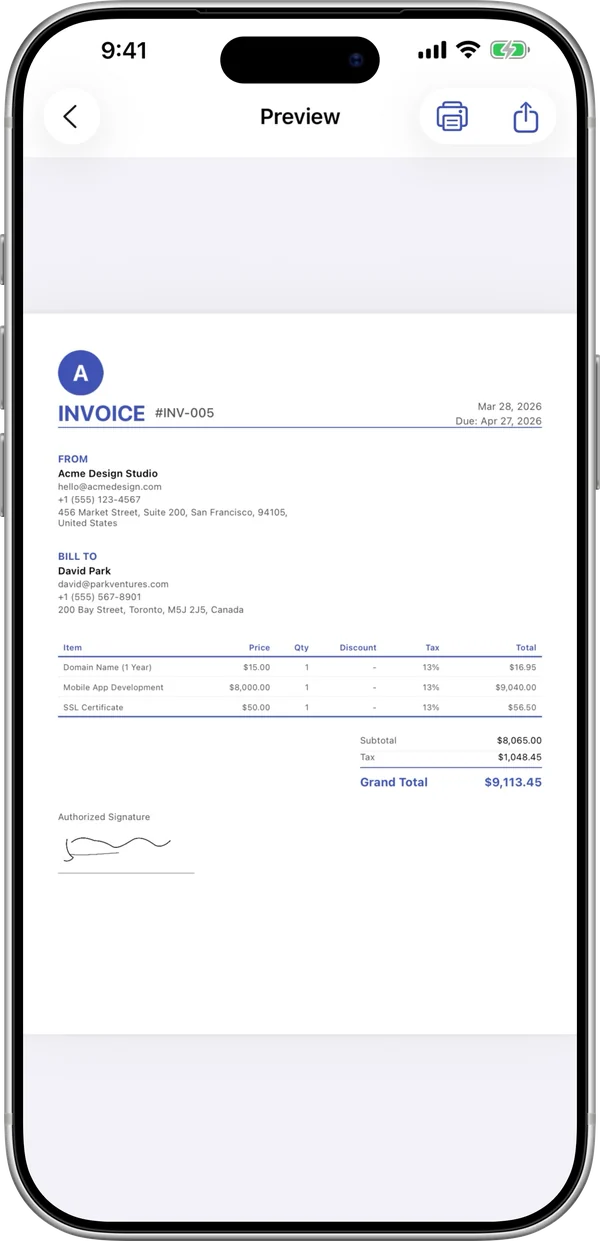
The InvoiceBilling app has 138 templates, payment reminders, and a signature pad. Make an invoice on site and send it before you leave the job.

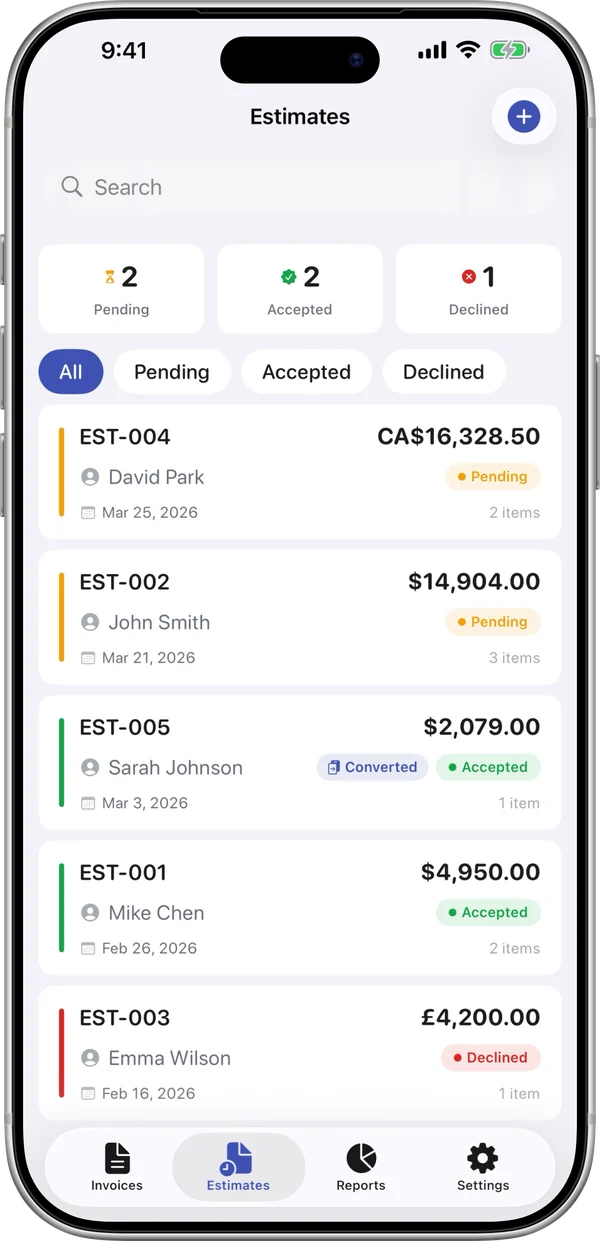
InvoiceBilling iPhone app: invoice preview ready to shareInvoiceBilling iPhone app: estimates with pending, accepted and declined status