InvoiceBilling app
Free on iPhone and Android

Get

Estimate and quote generator

Price the job, add your terms, and send a clear estimate today. When the client accepts, turn it into an invoice in one click.

No signupValid-until dateConverts to invoice
Draft saved in this browser
Your business
Estimate for
Details
Items
$1,890.00
$340.00
$660.00
Adjustments
Notes and terms
Extra details

Add tax or registration numbers your country requires.

Common for your country
Signature
Sign with your mouse or finger.
ESTIMATE
Reed Plumbing & Heating
Estimate no.
EST-017
Date
Oct 18, 2026
Valid until
Nov 17, 2026
FROM
Reed Plumbing & Heating
2207 E Cesar Chavez St
Austin, TX 78702
office@reedplumbing.com
(512) 555-0198
License: M-39841
ESTIMATE FOR
Hannah Okafor
4410 Avenue D
Austin, TX 78751
hannah.okafor@example.com
ItemQtyRateTaxAmount
Tankless water heater, 199k BTU1$1,890.008.25%$1,890.00
Venting kit and gas line upgrade1$340.008.25%$340.00
Installation labor (hours)6$110.000%$660.00
Subtotal$2,890.00
Discount (5%)−$144.50
Tax (8.25%)$174.78
Estimate total$2,920.28
NOTES

Estimate valid for 30 days.

TERMS

50% deposit to schedule. Balance due on completion.
InvoiceBilling creates PDF documents. It does not file e-invoices with tax authorities (for example India IRN, Italy SDI or Germany XRechnung).

Free PDFs include a small "Made with InvoiceBilling.app" footer. Remove it with Pro

Guide

Estimate or quote: what to include

An estimate tells a client what a job will likely cost before you start. A clear estimate wins work because the client can compare it and say yes with confidence.

List the work in plain words, split materials from labor, and add a valid-until date so prices do not stay open forever. Note any deposit you need to schedule the job.

How it works

How to write an estimate

  1. Step 1

    Describe the job

    Add your business and the client. Use the item names your client will recognize.

  2. Step 2

    Price each part

    Enter quantities and rates for materials and labor. Add a discount if you want to win the job.

  3. Step 3

    Send and convert

    Download the PDF and send it. When the client accepts, convert it to an invoice so you never type it twice.

FAQ

Estimate questions

What is the difference between an estimate and a quote?

An estimate is your best guess of the cost and can change. A quote is a fixed price for the work described. This tool works for both. If you give a fixed price, say so in your terms.

How long should an estimate be valid?

Thirty days is common. Material prices change, so a valid-until date protects you.

Can I turn an estimate into an invoice?

Yes. With Pro, one click creates an invoice with the same client, items, and notes, and the next invoice number.

Should I ask for a deposit?

For larger jobs, yes. A 25 to 50 percent deposit to schedule the work is normal. Write it in your terms.

Send invoices from your phone too

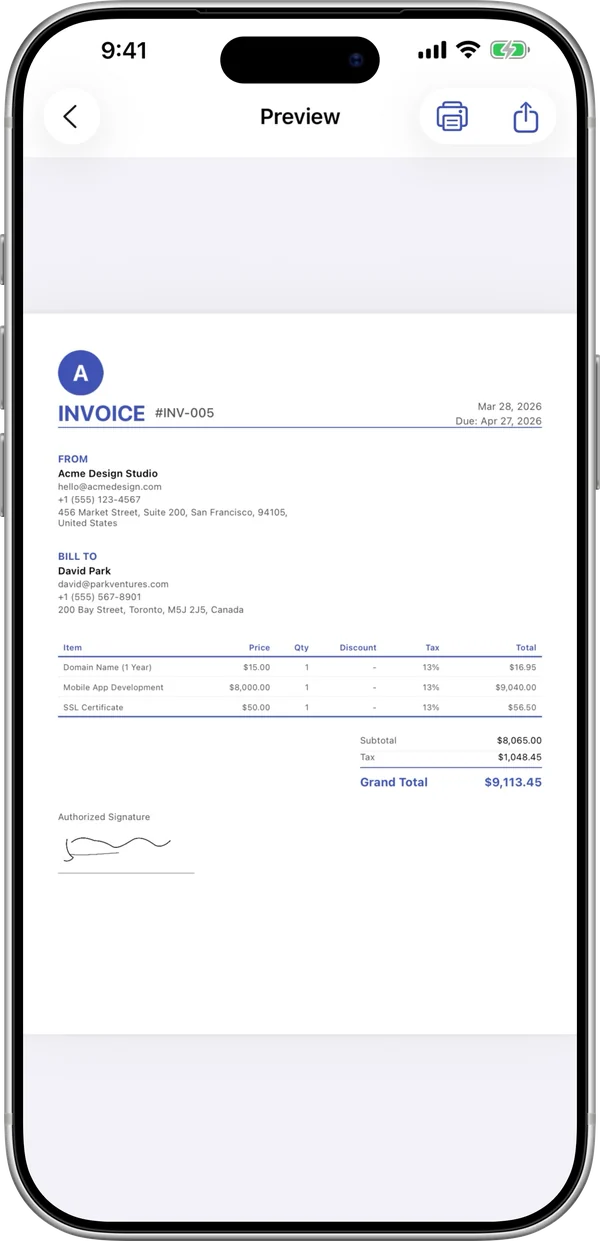
The InvoiceBilling app has 138 templates, payment reminders, and a signature pad. Make an invoice on site and send it before you leave the job.

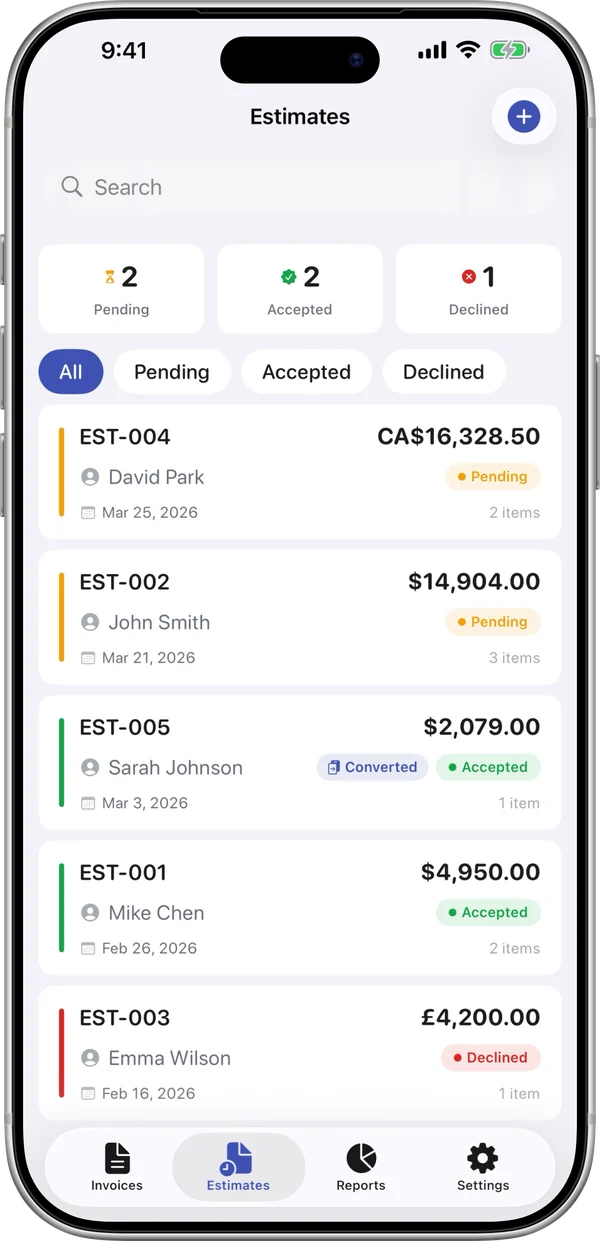
InvoiceBilling iPhone app: invoice preview ready to shareInvoiceBilling iPhone app: estimates with pending, accepted and declined status