InvoiceBilling app
Free on iPhone and Android

Get

Invoice generator

Make a clean, professional invoice in a minute. Add your logo, list the work, and download a PDF. Free, with no account needed.

No signupAutomatic totalsFree PDF download
Draft saved in this browser
Your business
Bill to
Details
Items
$1,800.00
$450.00
$450.00
Adjustments
Shows the balance due on the invoice
Notes and terms
Extra details

Add tax or registration numbers your country requires.

Common for your country
Signature
Sign with your mouse or finger.
Maya Torres Design
INVOICE
Invoice no.
INV-042
Date
Oct 18, 2026
Due date
Nov 2, 2026
Terms
Net 15
FROM
Maya Torres Design
1450 Mission St, Suite 3
San Francisco, CA 94103
hello@mayatorres.design
(415) 555-0142
BILL TO
Brightline Coffee Co.
88 Valencia St
San Francisco, CA 94110
ap@brightline.coffee
ItemQtyRateTaxAmount
Brand identity design1$1,800.000%$1,800.00
Logo files and style guide1$450.000%$450.00
Social media templates6$75.000%$450.00
Subtotal$2,700.00
Total due$2,700.00
PAYMENT DETAILS

Bank transfer: First Bay Bank, routing 121000358, account 4401 2207 18

NOTES

Thank you for your business!

TERMS

Payment due within 15 days. Bank transfer or card.
InvoiceBilling creates PDF documents. It does not file e-invoices with tax authorities (for example India IRN, Italy SDI or Germany XRechnung).

Free PDFs include a small "Made with InvoiceBilling.app" footer. Remove it with Pro

Guide

What makes a good invoice

An invoice is a request for payment. It tells your client what they bought, how much they owe, and when to pay. A clear invoice gets paid faster because the client has nothing to ask you about.

Every invoice should have a unique number, the date, your details and your client's, a list of items with quantities and prices, any tax, and the total due. Add your payment terms so the due date is never a surprise.

How it works

How to create an invoice

  1. Step 1

    Add your business and client

    Type your business name and add your logo. Then add who you are billing. We keep your details in this browser for next time.

  2. Step 2

    List your products or services

    Add each item with a quantity, a rate, and a tax rate. Discount, shipping, and the total update as you type.

  3. Step 3

    Pick a template and download

    Choose a template, check the live preview, and download the PDF. Send it by email or print it.

FAQ

Invoice generator questions

Is the invoice generator free?

Yes. Making and downloading invoices is free with no limit. Free PDFs have a small footer that Pro removes.

How do I number my invoices?

Use a simple sequence like INV-001, INV-002. Each number must be unique and never reused. Our invoice number generator can suggest the next one for you.

Can I add my logo?

Yes. Upload a PNG or JPG and it appears at the top of your invoice and PDF.

Which currencies are supported?

US dollar, euro, pound, Indian rupee, Canadian and Australian dollar, UAE dirham, Singapore dollar, yen, and more. Amounts are formatted for the currency you pick.

Is my data private?

Your draft stays in your browser. Nothing is uploaded until you choose to sign in and save.

Send invoices from your phone too

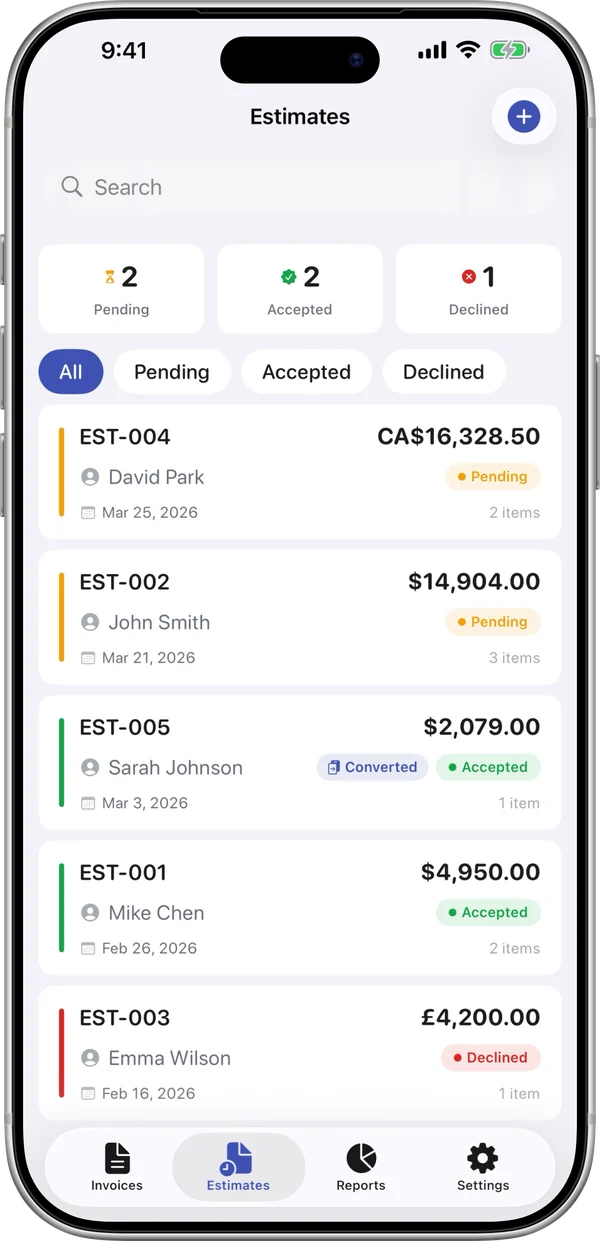
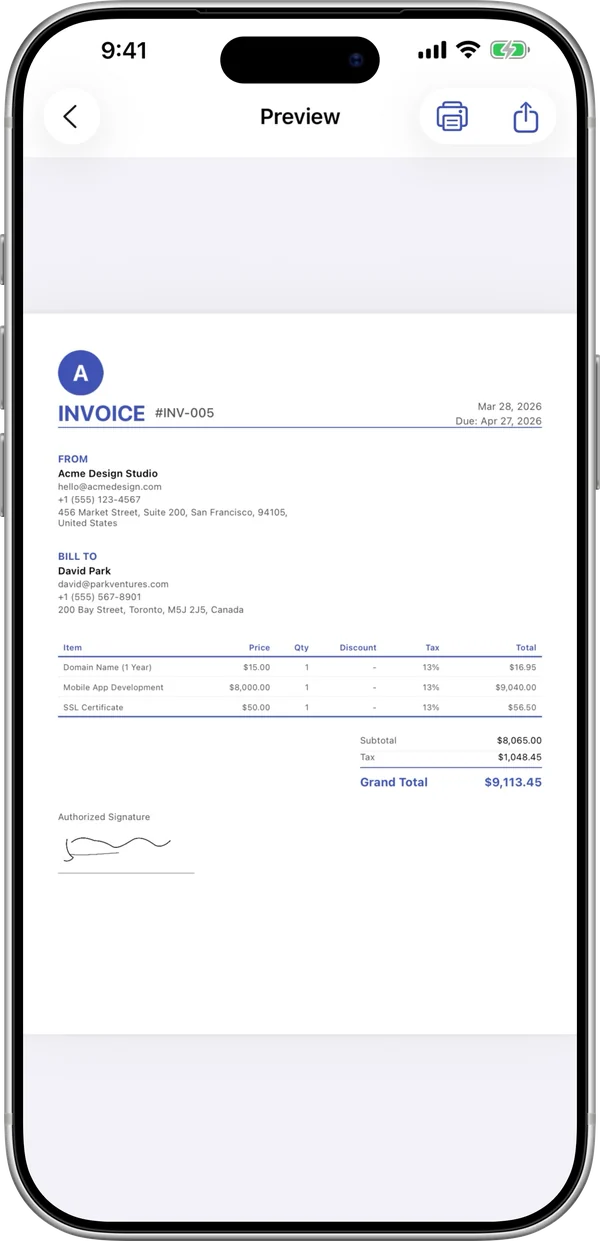
The InvoiceBilling app has 138 templates, payment reminders, and a signature pad. Make an invoice on site and send it before you leave the job.

InvoiceBilling iPhone app: invoice preview ready to shareInvoiceBilling iPhone app: estimates with pending, accepted and declined status