| Item | Qty | Rate | Tax | Amount |
|---|---|---|---|---|
| Refund: social media templates (2 of 6 not used) | 2 | $75.00 | 0% | $150.00 |
This credit reduces invoice INV-041. It will be applied to your next invoice.
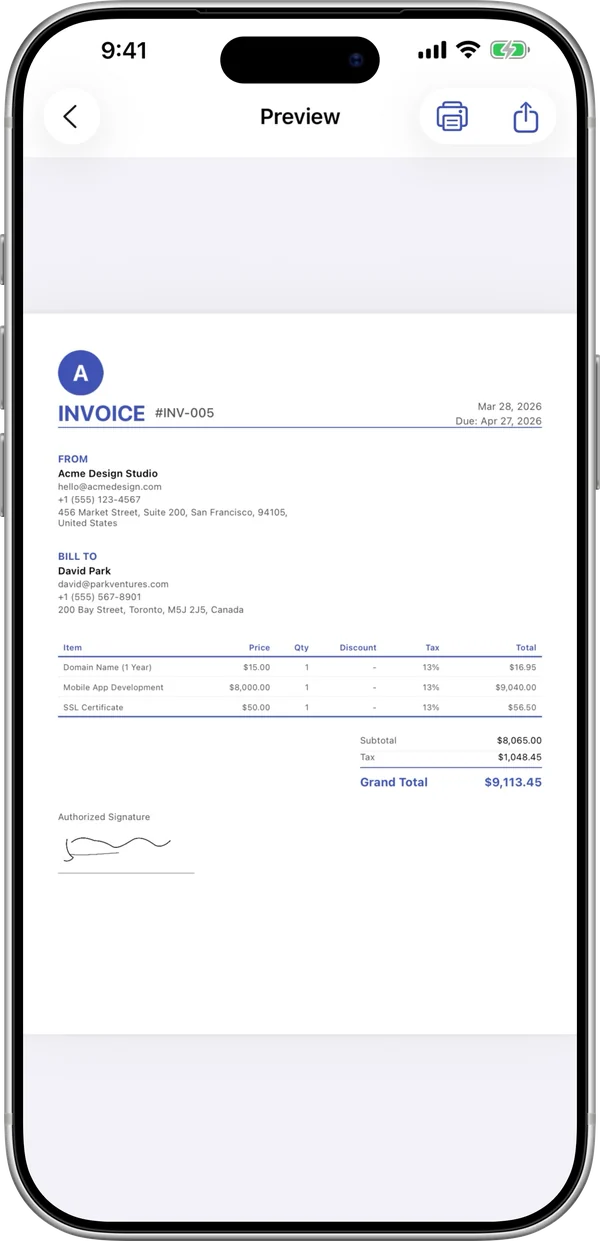
InvoiceBilling app
Free on iPhone and Android
Correct or cancel an invoice the right way. Reference the original invoice, preview the credit note live, and download the PDF.
| Item | Qty | Rate | Tax | Amount |
|---|---|---|---|---|
| Refund: social media templates (2 of 6 not used) | 2 | $75.00 | 0% | $150.00 |
This credit reduces invoice INV-041. It will be applied to your next invoice.
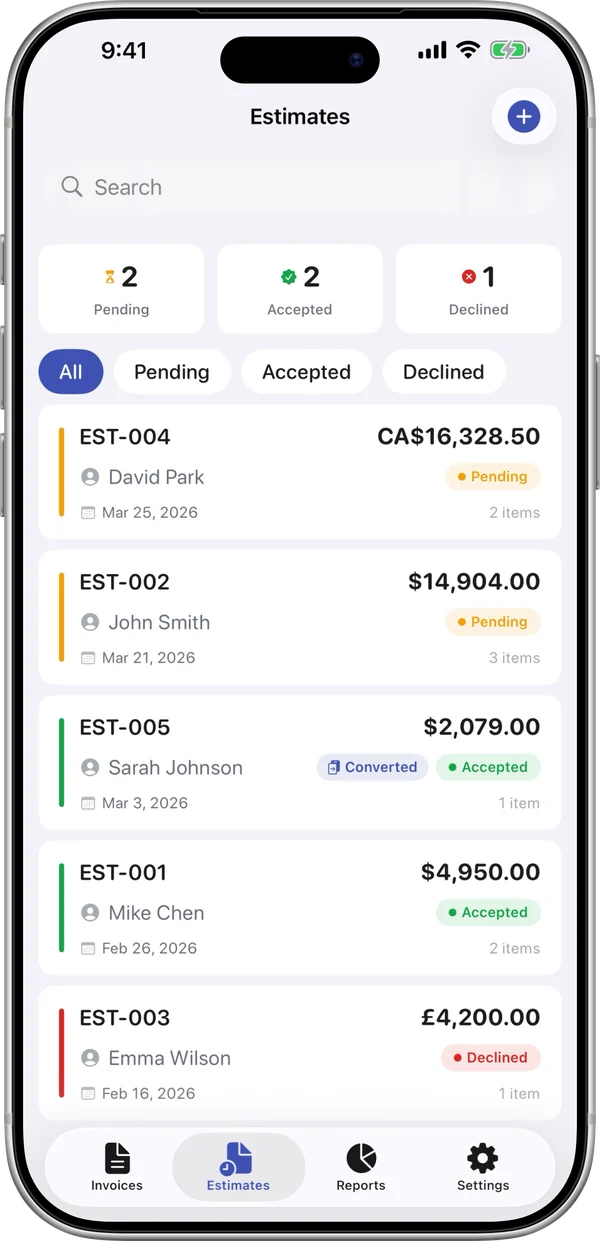
InvoiceBilling creates PDF documents. It does not file e-invoices with tax authorities (for example India IRN, Italy SDI or Germany XRechnung).
Free PDFs include a small "Made with InvoiceBilling.app" footer. Remove it with Pro
A credit note is a document you send to a customer to reduce or cancel an invoice you already issued. It is used for returns, pricing mistakes, discounts after the sale, or cancelled orders.
A credit note should reference the original invoice number and date. Include a new credit note number, both parties, the items being credited, and the total credited. Check your local tax rules, since some places need the tax amount shown too.
Enter your business and the customer. Add the original invoice number and date.
Add the items or amounts you are crediting. Add a short reason, such as a return or a pricing error.
Check the live preview and download the PDF. Send it to the customer and keep a copy for your books.
Issue one when you need to reduce or cancel an invoice you already sent. Typical reasons are returned goods, a billing mistake, or a discount agreed later.
No. A credit note lowers what the customer owes or leaves a balance for future orders. A refund sends money back. You can do either or both.
Yes. It links the two documents and makes your records easy to follow.
Yes. Credit only the items or amount that need to change. The rest of the invoice stays valid.
The InvoiceBilling app has 138 templates, payment reminders, and a signature pad. Make an invoice on site and send it before you leave the job.

