InvoiceBilling app
Free on iPhone and Android

Get

Purchase order generator

Order from your vendor with a clear written record. Add the items and terms, preview live, and download the PDF.

No signupLive preview16 currencies
Draft saved in this browser
Your business
Vendor
Details
Items
$620.00
$192.00
$189.00
Adjustments
Notes and terms
Extra details

Add tax or registration numbers your country requires.

Common for your country
Signature
Sign with your mouse or finger.
Brightline Coffee Co.
PURCHASE ORDER
PO no.
PO-1024
Date
Oct 18, 2026
Delivery date
Nov 2, 2026
Terms
Net 15
FROM
Brightline Coffee Co.
88 Valencia St
San Francisco, CA 94110
orders@brightline.coffee
(415) 555-0177
VENDOR
Pacific Roasters Supply
2100 3rd St
Oakland, CA 94607
sales@pacificroasters.example
SHIP TO
Brightline Coffee, Mission store
88 Valencia St
San Francisco, CA 94110
ItemQtyRateTaxAmount
Arabica coffee beans, 5 kg bag10$62.000%$620.00
Paper cups 12 oz, case of 10004$48.000%$192.00
Oat milk, case of 126$31.500%$189.00
Subtotal$1,001.00
Estimate total$1,001.00
NOTES

Please confirm delivery date by email.

TERMS

Payment Net 30 after delivery. Deliver to the back entrance.
InvoiceBilling creates PDF documents. It does not file e-invoices with tax authorities (for example India IRN, Italy SDI or Germany XRechnung).

Free PDFs include a small "Made with InvoiceBilling.app" footer. Remove it with Pro

Guide

What a purchase order is

A purchase order, or PO, is a document a buyer sends to a vendor to order goods or services. It states what you want, how many, and at what price. Once the vendor accepts it, it records the agreement.

Include a PO number, the date, the buyer and vendor details, and each item with quantity and price. Add the delivery address, the expected delivery date, and payment terms. Vendors usually put your PO number on their invoice, so keep it unique.

How it works

How to make a purchase order

  1. Step 1

    Add buyer and vendor

    Enter your business and the vendor. Add a PO number and the order date.

  2. Step 2

    List the items

    Add each item with a quantity and price. Include the delivery address and date.

  3. Step 3

    Send the PDF

    Check the live preview and download the PDF. Send it to your vendor and keep a copy for your records.

FAQ

Purchase order questions

Who creates a purchase order?

The buyer does. You send it to the vendor to order goods or services. The vendor sends an invoice after delivery.

What is the difference between a purchase order and an invoice?

A purchase order is a request to buy. An invoice is a request for payment. They come from opposite sides of the deal.

Do I need a PO number?

Yes. A unique number helps both sides match the order, delivery, and invoice.

Is a purchase order a contract?

It can form part of one once the vendor accepts it. Rules vary, so add your terms clearly and check local law for large orders.

Send invoices from your phone too

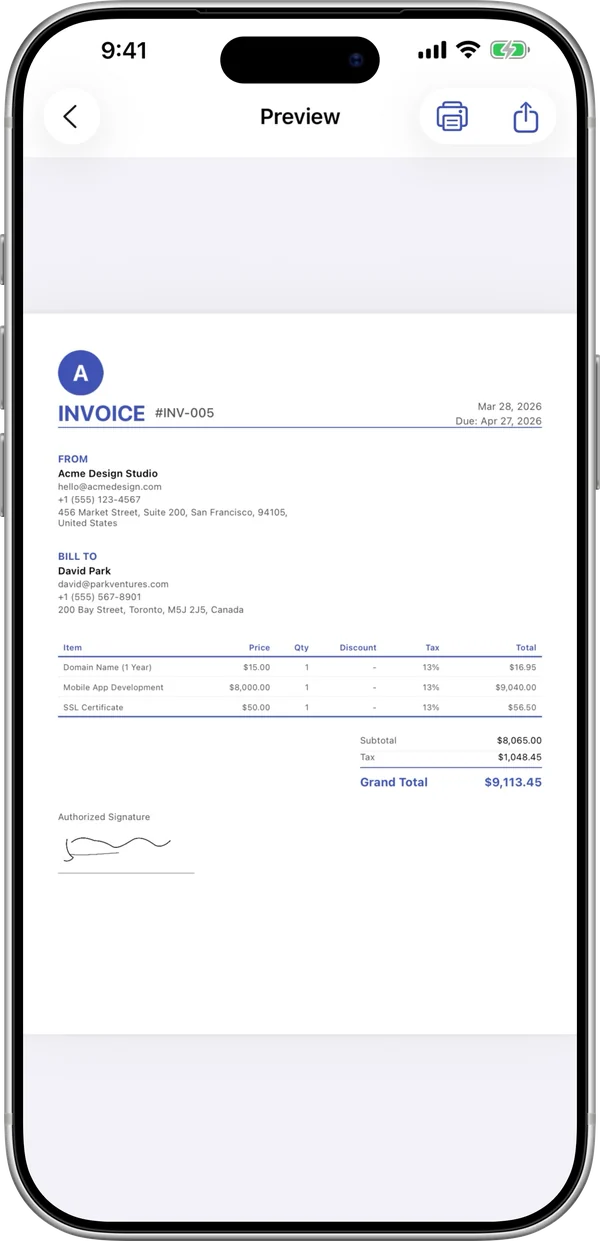
The InvoiceBilling app has 138 templates, payment reminders, and a signature pad. Make an invoice on site and send it before you leave the job.

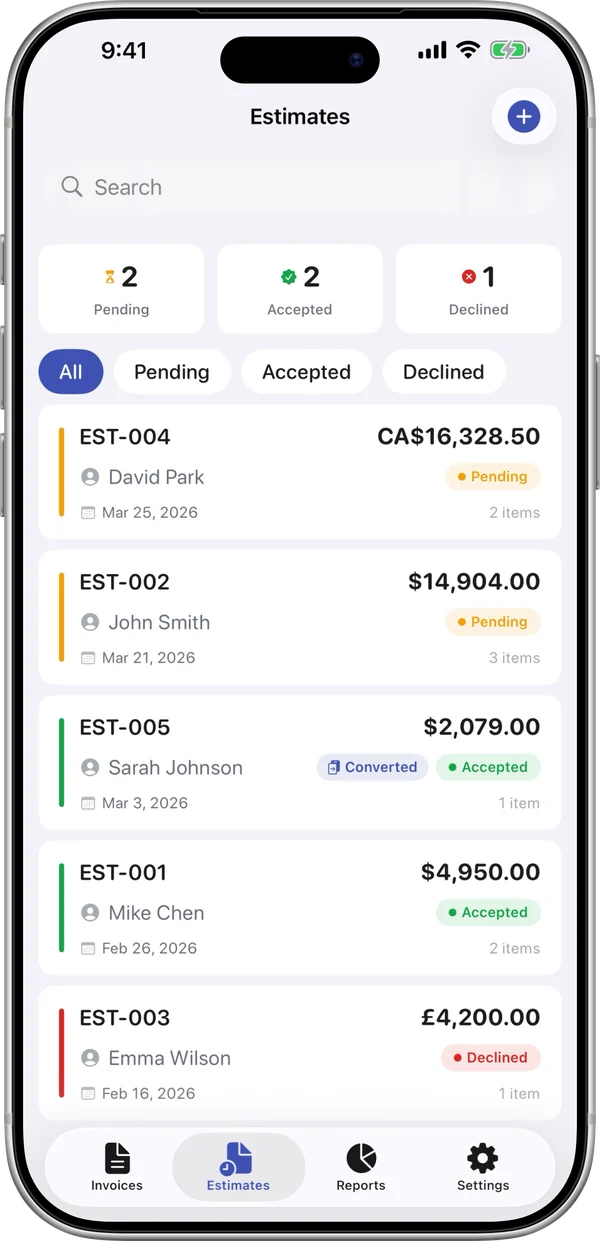
InvoiceBilling iPhone app: invoice preview ready to shareInvoiceBilling iPhone app: estimates with pending, accepted and declined status