| Item | Qty |
|---|---|
| Ceramic mug, matte black | 2 |
| Pour-over kit | 1 |
| Gift card 50 USD | 1 |
Thank you for your order! Questions? Reply to your order email.
InvoiceBilling app
Free on iPhone and Android
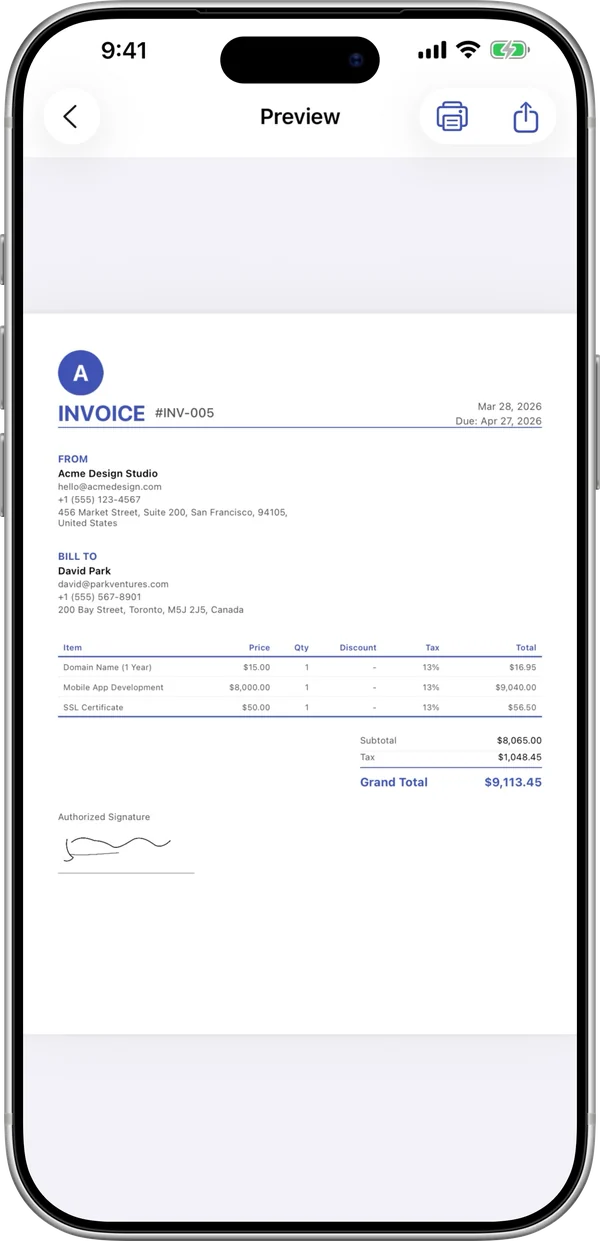
Put a clear list of contents in every box. Add the items, preview live, and download a PDF to print.
| Item | Qty |
|---|---|
| Ceramic mug, matte black | 2 |
| Pour-over kit | 1 |
| Gift card 50 USD | 1 |
Thank you for your order! Questions? Reply to your order email.
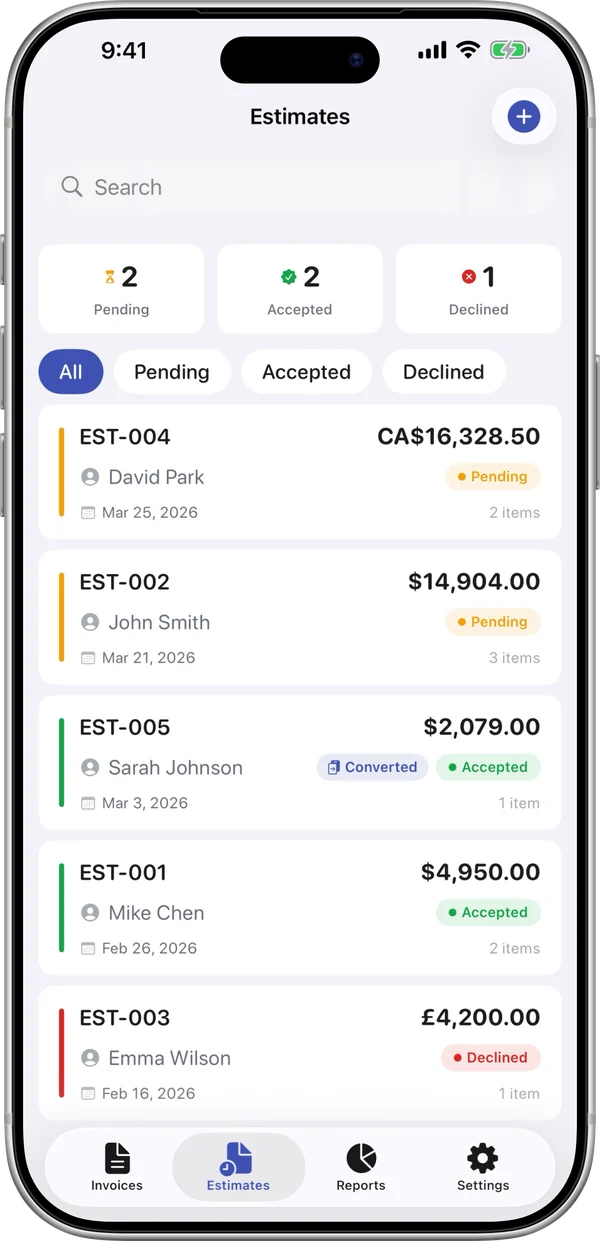
InvoiceBilling creates PDF documents. It does not file e-invoices with tax authorities (for example India IRN, Italy SDI or Germany XRechnung).
Free PDFs include a small "Made with InvoiceBilling.app" footer. Remove it with Pro
A packing slip is a list of what is inside a shipment. It goes in or on the package so the receiver can check that everything arrived. It helps with fewer disputes and faster returns.
Include your business details, the recipient and shipping address, an order number, the ship date, and each item with its quantity. A packing slip usually has no prices, because it lists contents only. Add a notes area for special handling or backorders.
Enter your business, the recipient, and the shipping address. Add the order number and ship date.
Add each item with a description and quantity. Note anything on backorder.
Check the live preview and download the PDF. Print it and put it in the package.
Usually no. It lists items and quantities only. This keeps prices private if the package goes to someone other than the buyer.
A packing slip says what is in the box. An invoice says what the customer owes. You can send both for the same order.
It is good practice. It lets the receiver check the contents and gives you a record if something goes missing.
Yes. Put it in the notes so the receiver can follow the shipment.
The InvoiceBilling app has 138 templates, payment reminders, and a signature pad. Make an invoice on site and send it before you leave the job.

